
How Bloggers Can Optimize Images and Audio for Better SEO

Every blog tells a story. A blog isn't just text—it also includes content-related images, audio, and more. But how can we make our blog stand out from the crowd? This brings us back to the topic of improving our blog's performance: improperly optimized media files can slow down website speed.
Therefore, we should optimize every image and audio file as much as possible before publishing. Doing so not only enhances the user experience and increases organic traffic but also improves search engine rankings.

Why Media Optimization Matters for SEO
Search engines favor websites with well-optimized content—that is, sites that provide a smooth browsing experience. Optimized images and audio files help improve page load speeds and enhance user satisfaction.
When page content loads instantly, visitors stay longer, which improves browsing efficiency. In this scenario, a lower bounce rate sends a positive signal to search engines.

Optimize Image File Size Without Losing Quality
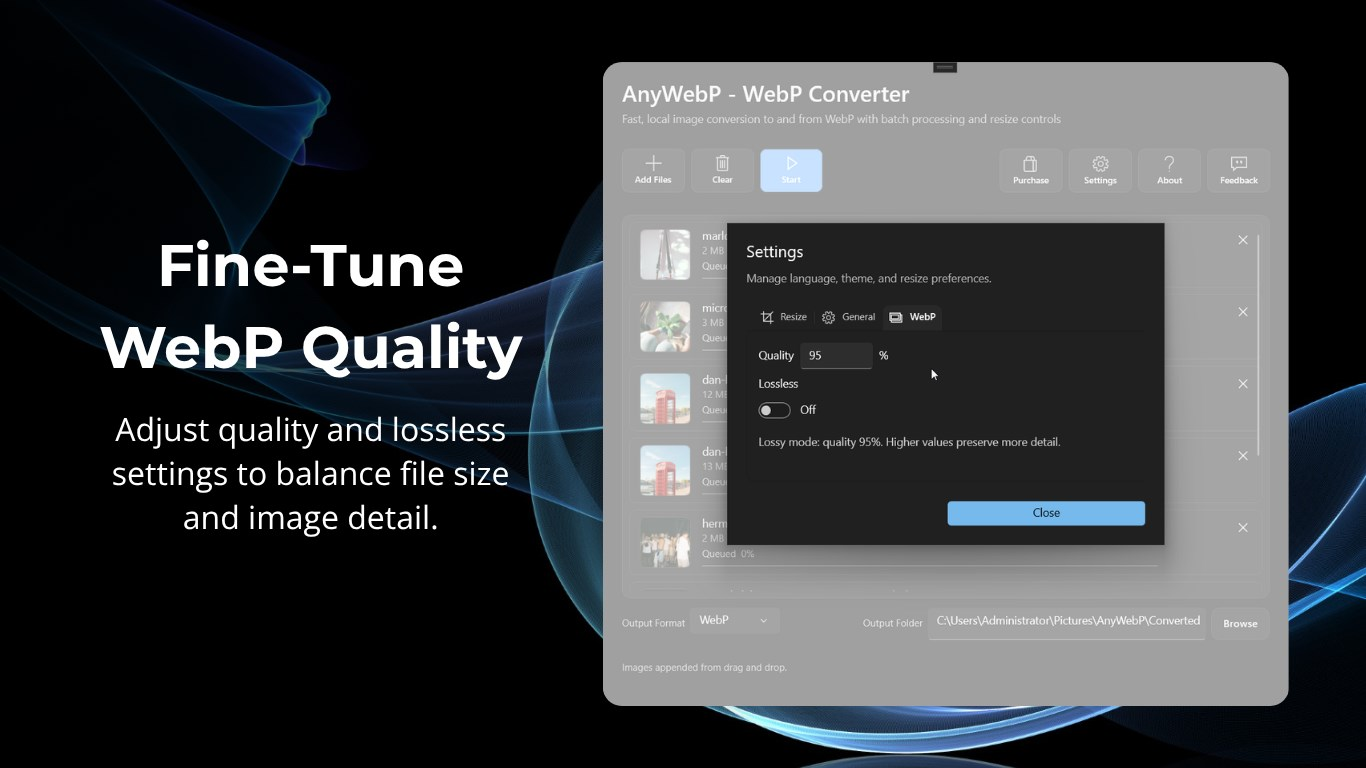
A website's loading speed is directly related to image size. Different file formats also perform differently on websites. Compared to JPEG and PNG, WebP offers superior image quality while maintaining a smaller file size.
Additionally, adjust image dimensions to fit your website's layout rather than uploading oversized files. Smaller images improve loading speed. Faster performance benefits both visitors and search engines.
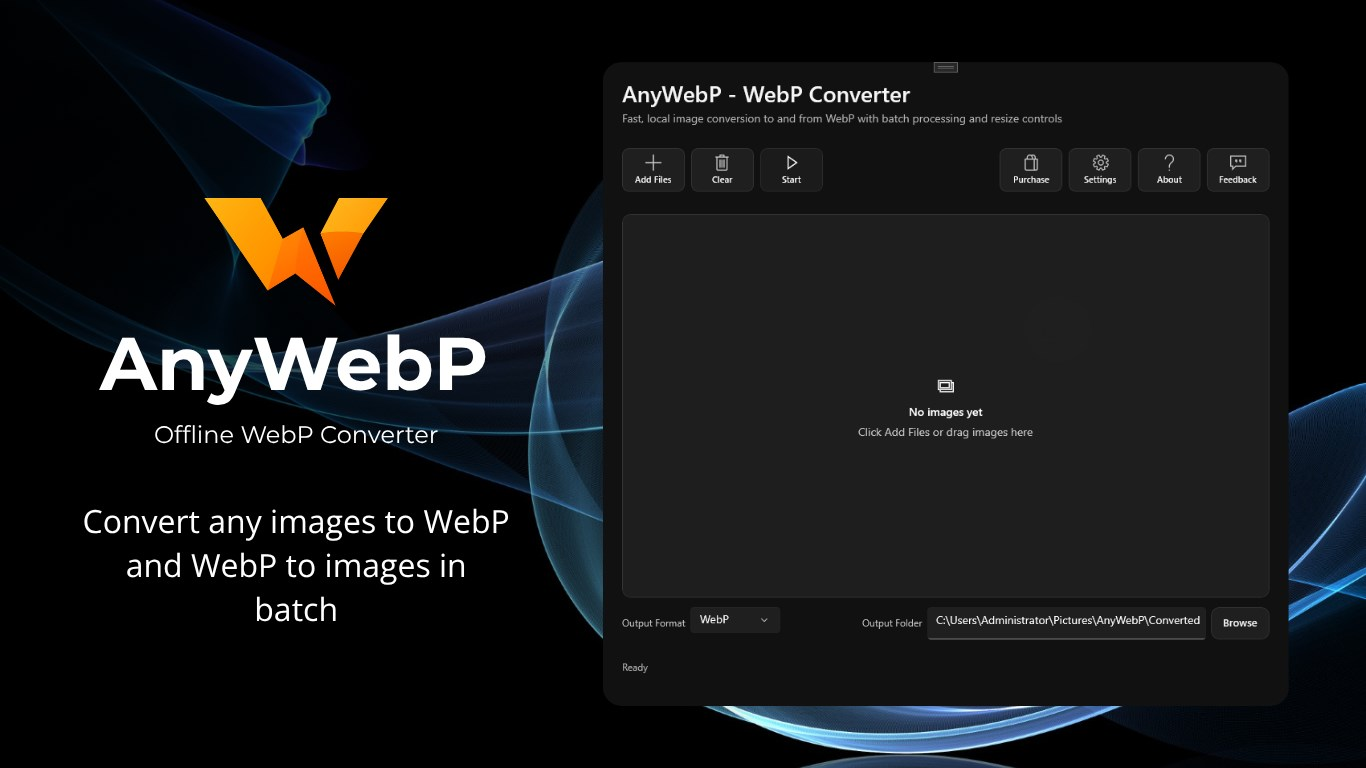
If you have a collection of JPG, PNG, HEIC, TIFF, BMP, or GIF images that need to be converted to WebP, AnyWebP for Windows provides a simple offline solution.
Instead of uploading your images to a webp online converter, you can convert them locally on your computer, which is especially useful when working with large batches of images or handling private files.
Use Descriptive File Names
When naming files, you should rename each image using relevant keywords. These clear file names help search engines better understand your content. This increases the likelihood that your images will appear in image search results when users search for the keywords in the filenames. For example:
- healthy-lunch-bowl.jpg
- mountain-hiking-trail.webp
- podcast-microphone-setup.jpg
Write Effective Alt Text
Describe each image naturally while including relevant keywords. Alt text plays an important role in accessibility and SEO. Focus on accurate descriptions to help users and search engines understand the images. Avoid keyword stuffing. High-quality alt text also provides a better accessibility experience for visitors with visual impairments.

Choose the Right Image Dimensions
On blog pages, we should strive to keep image dimensions as consistent as possible. This not only makes the blog page look more visually cohesive, but also prevents unnecessarily large images from wasting bandwidth.
On blog pages, we should strive to keep image dimensions as consistent as possible. This not only makes the blog page look more visually cohesive, but also prevents unnecessarily large images from wasting bandwidth. With FlowPaper, it’s easier to present digital content in a way that feels clean, consistent, and well-structured.
At the same time, it enhances the user experience when visiting the blog page; a neat and organized layout makes the content easier to read and improves the user's impression of the page.

Use Structured Data for Images
Structured data helps search engines understand your content more effectively. Therefore, add image schema whenever applicable. Rich results increase visibility in search engines. Moreover, they attract more clicks because they stand out from standard listings.
Optimize Audio Files for Faster Loading
Audio is also one of the best media options for blog pages; it adds variety to the visitor experience. Audio content can engage listeners. For example, when it's inconvenient to view the page, visitors can use audio to access the page's content.
How can you optimize audio on your blog pages to improve website performance? First, large audio files can slow down page load times. Therefore, you should compress audio files appropriately before uploading them; this ensures that adding audio won't affect the page's loading speed. Next, when choosing an audio format, prioritize high-efficiency formats such as MP3 or AAC.
The smaller the file, the faster it loads. Visitors can enjoy a smooth playback experience without interruptions caused by annoying delays.

Add Audio Transcripts
Search engines cannot fully understand spoken audio. Therefore, publish complete transcripts alongside every recording. Transcripts provide valuable keyword-rich content.
Additionally, they improve accessibility for users with hearing impairments. Well-written transcripts increase indexing opportunities. Consequently, your content becomes easier to discover through search.
Teams working with podcast episodes or audio content often use a tool to chat with audio and video sources to pull quick transcripts for publishing alongside recordings, which speeds up the SEO workflow instead of transcribing manually.
Write Optimized Audio Metadata
Every audio file contains metadata. Therefore, optimize titles, descriptions, and artist information with relevant keywords. Accurate metadata helps search engines categorize your content correctly. Furthermore, it improves discoverability on podcast platforms and media libraries.

Use Lazy Loading for Images
Lazy loading delays image downloads until users scroll to them. As a result, pages load much faster initially. This technique reduces unnecessary data usage. Moreover, visitors experience quicker page rendering, especially on mobile devices. Faster loading contributes directly to improved Core Web Vitals. Speed brings people to the page, and conversion rate optimisation decides what they do once they are there.
Leverage a Content Delivery Network
A content delivery network distributes media content across multiple servers worldwide. As a result, visitors can retrieve files from a location closer to them.
Faster distribution speeds improve loading times globally. This provides international readers with a smoother browsing experience. Search engines also rank websites with consistent performance higher.

Monitor Media Performance Regularly
Use tools to periodically evaluate your website's performance, monitoring image sizes, page load speeds, and user engagement.
Use website performance tools to identify oversized media files and replace or compress them promptly. SEO requires continuous optimization. Regular maintenance ensures your blog runs smoothly and remains competitive.
Conclusion
Based on the points mentioned above, optimizing the images and audio on your blog will improve your website's performance. Image and audio optimization should be a standard part of every blogger's workflow. Monitor your website's performance regularly—let's get started now!