
How to Use AI to Create Multilingual Training Videos for Global Teams
Learn how to use AI to create, translate, and localize training videos for global teams. Explore practical workflows for AI video creation, multilingual voiceovers, subtitles, and human review to deliver accurate and engaging training content across different languages.
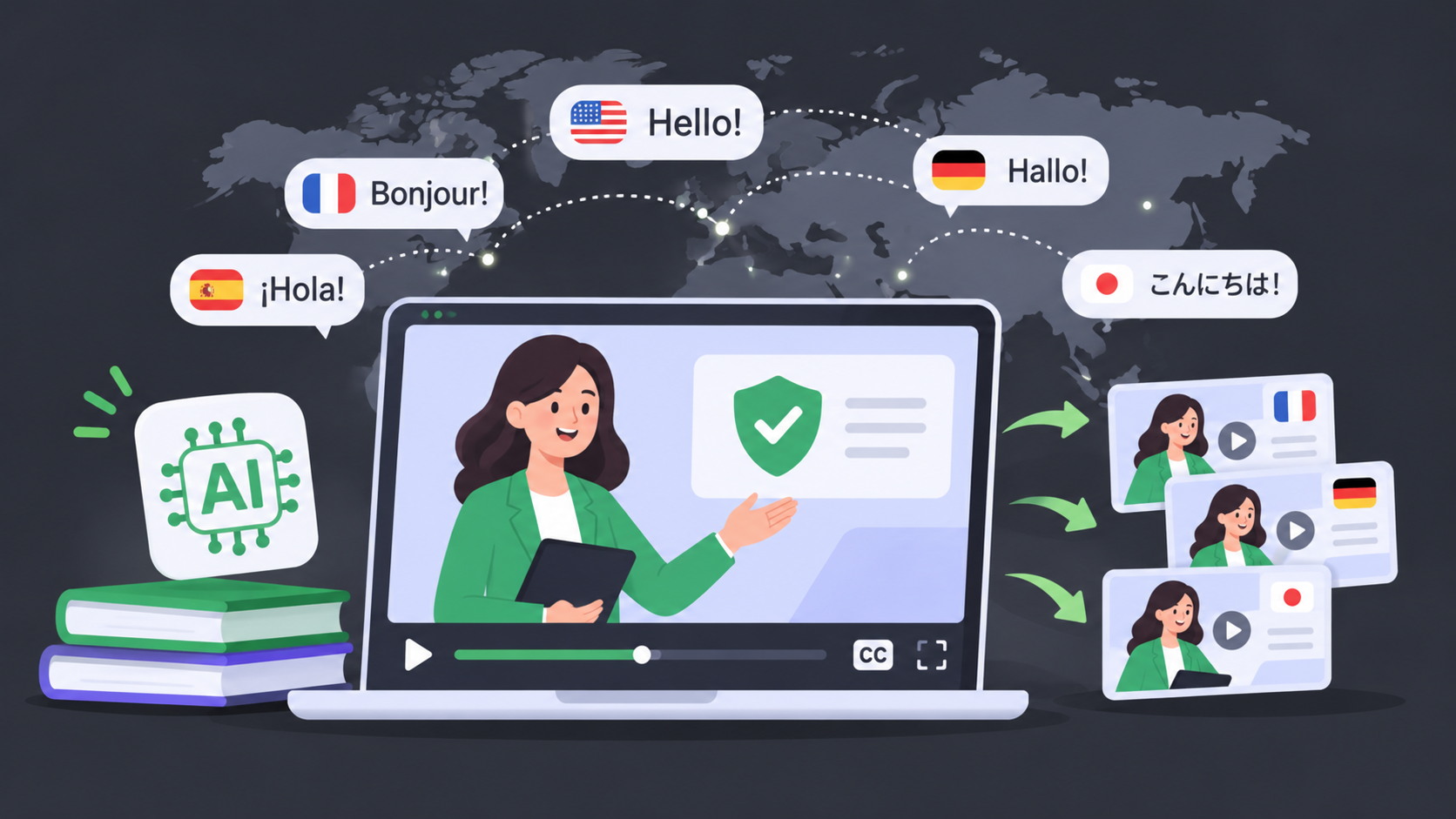
Global teams often need to deliver the same training content to employees who speak different languages. However, creating multilingual training videos can be time-consuming and expensive. Companies may need to hire translators, voice actors, editors, and local reviewers for every target language. If the original training content changes, each localized version may also need to be recreated.
AI can simplify this process. With the right workflow, teams can use AI to plan training content, generate scripts, create videos, translate narration and subtitles, and update different language versions more efficiently. However, AI should support the training process rather than replace human review. Language accuracy, technical terminology, cultural context, and accessibility still need to be checked before publishing.
Plan the Multilingual Training Video with AI
Before creating or translating a training video, define who the video is for and what employees need to learn. A clear plan helps you choose the right languages, format, source materials, and review process before production begins.
Define Your Audience and Target Languages
Before creating a video, identify who will watch it and which languages they use. Consider the employees’ locations, job roles, language preferences, and level of familiarity with the subject.
For example, a safety training video for employees in the United States may need Spanish and English versions. A global software training course may require Mandarin, Japanese, German, French, or Portuguese versions depending on the company’s workforce.
During this planning stage, teams can also evaluate whether a Video Translator fits their workflow for adapting existing training videos into different language versions.
It is also important to consider regional variations. European Spanish and Latin American Spanish may require different vocabulary and pronunciation. The same applies to Brazilian and European Portuguese, as well as simplified and traditional Chinese.
Set Clear Training Goals
Every training video should have a specific learning goal. Before writing the script, define what employees should know or be able to do after watching the video.
For example, the goal may be to help employees:
- Follow a workplace safety procedure;
- Complete a software task;
- Understand a new company policy;
- Use a product feature;
- Follow an onboarding process.
Clear goals help keep the video focused. They also make it easier to evaluate whether the localized versions communicate the same message as the original.
AI can help organize learning objectives, suggest a logical structure, and turn complex information into shorter sections. However, the final learning goals should be confirmed by an L&D professional or subject-matter expert.
Organize Existing Training Materials
Collect the documents and resources that will be used to create the video. These may include presentations, employee handbooks, product documentation, standard operating procedures, or previous training recordings. A video summarizer can help extract key information from existing training videos, making it easier to identify important points and reuse relevant content.
Before using AI, remove outdated information and identify content that may require special treatment. Create a basic terminology list for product names, technical phrases, legal terms, and internal expressions.
A terminology glossary is especially useful for multilingual training. It helps ensure that the same term is translated consistently across scripts, subtitles, voiceovers, and supporting documents.
It is also a good idea to maintain one approved master version of the content. This version can serve as the source for future translations and updates.
Choose the Right Video Format
Different training goals require different video formats. A screen recording may be the best choice for software instructions, while an AI avatar or human presenter may work better for compliance or onboarding content.
Common formats include:
- Presenter-led training videos;
- Screen recordings and software tutorials;
- Slide-based lessons;
- AI avatar presentations;
- Animated explainers;
- Short scenario-based training videos.
Choose a format that is easy to understand and easy to localize. For example, avoid placing too much text inside images or using visual examples that only make sense in one country.
Create the Source Training Video with AI
Once the training goals and source materials are ready, the next step is to create a clear master video. This version will serve as the foundation for all localized versions, so the script, visuals, and branding should be finalized before translation begins.
Develop the Script and Core Video Content
The source video should be clear before it is translated into other languages. Use short sentences, simple vocabulary, and a logical structure. Avoid idioms, slang, cultural references, and expressions that may be difficult to translate.
A basic training video structure may include:
- A short introduction to the topic;
- The main learning objective;
- Step-by-step instructions;
- Examples or demonstrations;
A short summary or knowledge check.
AI can help generate a first draft from existing documents or organize scattered information into a script. It can also suggest shorter explanations, section headings, and examples for different learner groups.
However, the AI-generated script should be reviewed before production. Subject-matter experts need to confirm that the instructions are accurate, complete, and consistent with company policies.
The script should also be written with localization in mind. Sentences that are short and direct are generally easier to translate, narrate, subtitle, and synchronize with visuals.
Choose the Presenter and Add Visual Branding
After finalizing the script, choose how the content will be presented. A real presenter may create a personal and trustworthy learning experience. An AI avatar can help organizations create consistent videos without recording a new presenter for every language. Screen recordings are useful for software demonstrations and process training.
The choice depends on the subject, audience, and available resources. A workplace safety course may benefit from a presenter and real-world examples, while a software tutorial may work better as a screen recording with voiceover.
You should also apply consistent visual branding. Use the company’s approved colors, fonts, logos, and layouts. Make sure text is large enough to read and that important visual elements are not placed too close to the edge of the screen.
When designing the source video, leave enough space for translated subtitles and longer phrases. Some languages require more characters than English, which may affect the layout and timing of the video.
Translate and Localize the Training Video with AI
After the source video is approved, AI can help adapt it for employees in different regions. This process involves more than translating words—it also includes localizing technical terms, voiceovers, subtitles, and visual timing.
Translate Scripts, On-Screen Text, and Technical Terms
Once the source video is ready, translate the script, subtitles, on-screen text, and supporting materials into the selected languages.
AI translation can speed up the first version of the process, but direct word-for-word translation is not always appropriate. Training content should be adapted to the language habits and cultural expectations of the target audience.
Pay special attention to:
- Product names and brand terms;
- Technical vocabulary;
- Safety instructions;
- Numbers, dates, and measurements;
- Legal and compliance language;
- Abbreviations and industry terminology.
A terminology glossary can help AI tools and human reviewers use consistent translations. It is also helpful to provide context for ambiguous words. A term may have different meanings depending on whether the training is about software, manufacturing, healthcare, or finance.
Generate Voiceovers and Synchronize the Localized Video
After translating the script, create the audio for each language. AI voice tools can generate multilingual narration from text. Some workflows may also use voice cloning to maintain a similar tone or presentation style across different language versions.
When reviewing the voiceover, check the following:
- Is the pronunciation natural?
- Does the tone match the original training?
- Are technical terms pronounced correctly?
- Does the audio fit the timing of the visuals?
- Are pauses placed in the right locations?
Subtitles should be reviewed together with the voiceover. They need to be accurate, readable, and synchronized with the spoken content. If the video includes a presenter or avatar, check whether the mouth movements match the localized audio.
The goal is not only to translate the words, but also to create a training experience that feels natural to employees in each region.
Review and Improve the Localized Versions
I can speed up translation and production, but the first version is not always ready to publish. Human reviewers and regional experts should check whether each localized video is accurate, natural, accessible, and consistent with the original training goal.
Review Language, Pronunciation, and Visual Accuracy
AI-generated videos should not be published without human review. Ask native speakers or regional subject-matter experts to review each version.
They should check:
- Translation accuracy;
- Technical terminology;
- Pronunciation and word stress;
- Cultural appropriateness;
- Subtitle timing;
- On-screen text;
- Visual examples;
- Audio and video synchronization.
This review is especially important for safety, legal, and compliance training. A small translation error may cause confusion or change the meaning of an instruction.
It is useful to create a review checklist so that every language version is evaluated according to the same standards. Keep track of changes and record who approved each version.
Test Accessibility and Maintain All Language Versions
Multilingual training videos should be accessible to as many employees as possible. Include accurate captions, readable text, sufficient color contrast, and clear audio. Make sure the main message remains understandable when employees watch without sound.
After publishing the videos, collect feedback from learners and local teams. Watch completion rates, quiz results, learner questions, and reports of unclear translations.
Training content also needs to be maintained over time. If the original policy, product, or procedure changes, update the master version first. Then review and update all localized versions to make sure they remain consistent.
A simple version-control system can help teams track:
- The current master script;
- Available language versions;
- Publication dates;
- Review status;
- Planned updates;
- Responsible reviewers.
Frequently Asked Questions
The following questions address common concerns about using AI to create and localize training videos for global teams.
Can AI Create Multilingual Training Videos for Global Teams?
Yes. AI can assist with script generation, video creation, translation, subtitles, voiceovers, and localization. It can help teams produce multiple language versions faster than traditional production workflows. However, the final videos should still be reviewed by native speakers and subject-matter experts, especially when the content involves technical, safety, or compliance information.
How accurate are AI-translated training videos?
Accuracy depends on the language pair, source script, audio quality, terminology, and review process. AI can produce a useful first translation, but it may misunderstand technical terms, regional expressions, or ambiguous sentences. The best approach is to use AI for efficiency and ask qualified human reviewers to verify the final version.
Can AI preserve the original speaker’s voice?
Some AI tools support multilingual voice generation or voice cloning. These features may help preserve the tone and presentation style of the original speaker. However, voice quality can vary by language, accent, and audio source. Teams should also consider consent, privacy, and company policies before using a cloned voice.
How should you review an AI-generated training video?
Review the translated script, technical terminology, pronunciation, subtitles, timing, visual examples, and cultural references. Native speakers should check whether the language sounds natural, while subject-matter experts should confirm that the instructions remain accurate. For compliance and safety content, use a formal approval process before publication.
How Do You Choose the Right AI Video Translation Tool?
Compare the tool’s language coverage, translation quality, subtitle features, voice options, editing controls, collaboration features, security requirements, and pricing model. Test the tool with a short training video before starting a larger project. The best option should fit both your current production needs and your future update workflow.
Conclusion:
AI can help global teams plan, create, translate, and maintain multilingual training videos more efficiently. A successful workflow begins with clear training goals and a well-structured master script. AI can then support video creation, translation, voiceover generation, subtitle production, and content updates.
However, producing a high-quality multilingual training video requires more than automatic translation. Teams should use terminology glossaries, regional reviewers, accessibility checks, and version-control processes to ensure that every language version is accurate and useful.
By combining AI tools with human review and a consistent localization workflow, organizations can deliver training that is clearer, more accessible, and easier to scale across global teams.