
Step 01
Upload your audio files
Add one or more audio files to the compression queue. Each file stays in your browser during processing.
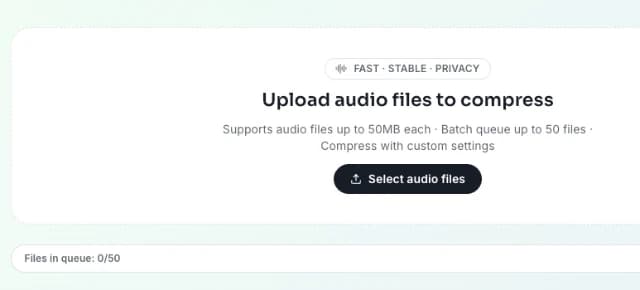
Upload your WMA files and compress them with configurable bitrate, sample rate, channels, and output format.
Only WMA input is accepted on this page.
Output format
Compression level
Bitrate
Sample rate
Channels
FreeTTS Audio Compressor lets you upload files, tune compression settings, and reduce file size directly in your browser.
Add one or more audio files to the compression queue. Each file stays in your browser during processing.
Choose output format, compression level, bitrate, sample rate, and channels based on your quality and file-size goals. Results depend on the source file and selected settings.
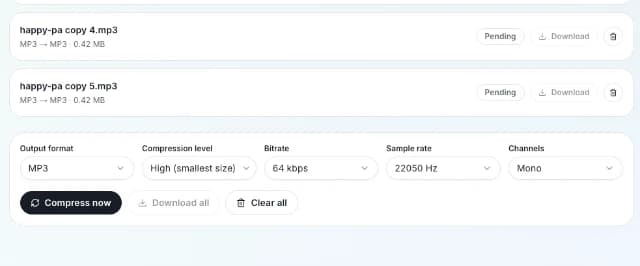
Run compression in batch, check the before/after size for each file, then download single outputs or all completed results together as a ZIP file.
Control output quality and size with practical compression options while keeping audio processing local in your browser.
Adjust bitrate, sample rate, channels, and compression level to balance output quality and file size.
Compress MP3 to MP3, WAV to WAV, and more when you need a smaller file without changing the container format. Final size depends on codec and settings.
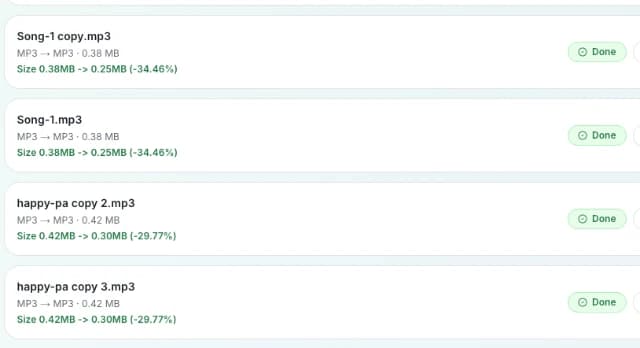
See percentage size change per file so you can quickly confirm whether the selected settings reduce file size as expected.
Compress up to 50 files in one queue, then download individual files or all completed outputs in one ZIP file.
Learn how compression settings work, what happens if file size grows, and how to optimize results for your audio files.