
Step 01
Upload your song
Start by uploading your song file in any common audio format, including MP3, WAV, and OGG. FreeTTS supports popular file types for fast and simple processing.
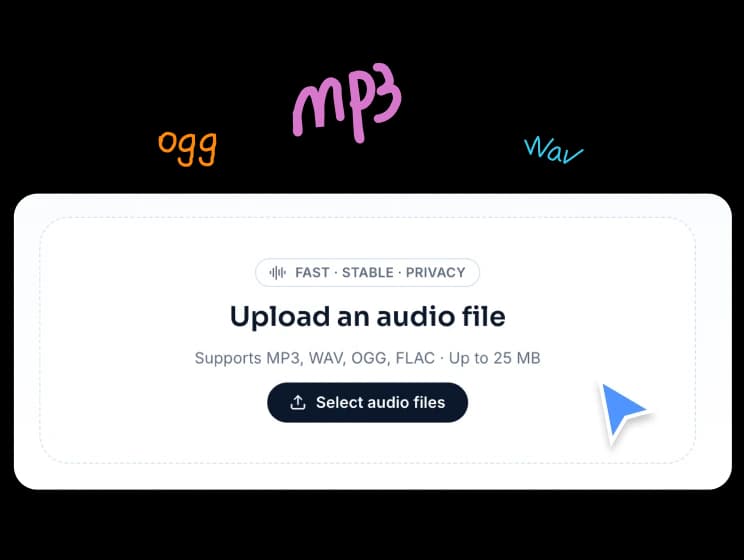
Separate vocals and instrumentals from a song in a simple online workflow. Upload your audio, let AI process it, and download both tracks.
Supports MP3, WAV, OGG, FLAC · Up to 25 MB
Upload a track, let FreeTTS separate vocals and instrumentals automatically, and download both results in just a few steps.
Start by uploading your song file in any common audio format, including MP3, WAV, and OGG. FreeTTS supports popular file types for fast and simple processing.
Once uploaded, FreeTTS uses advanced AI to separate the vocal and instrumental tracks automatically. In seconds, you get both an isolated vocal track and an instrumental version.
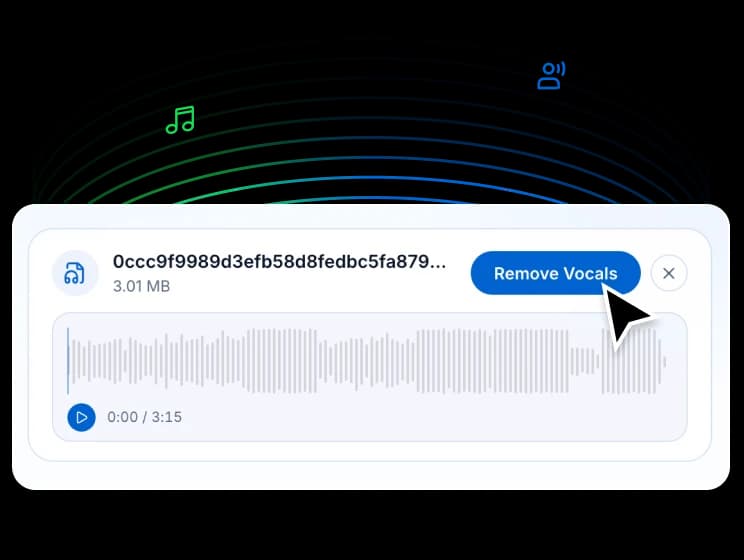
After processing, download both output tracks and use them for karaoke, remixing, rehearsals, or other creative audio work.
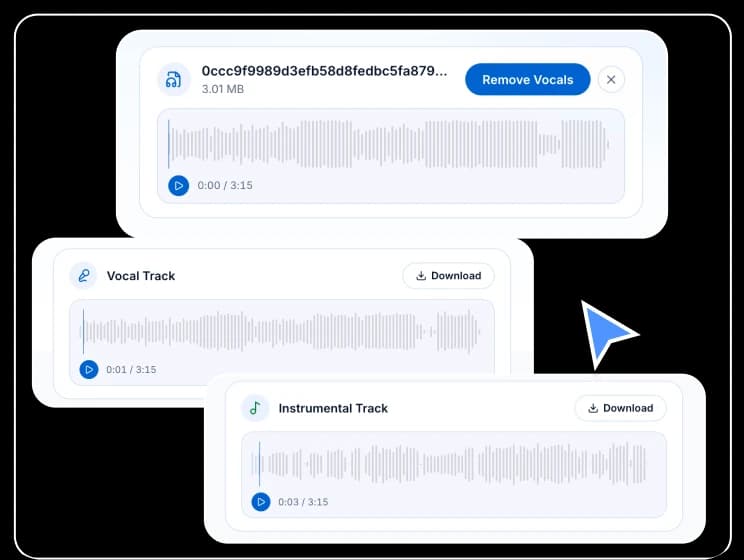
FreeTTS helps you split songs into usable vocal and instrumental tracks with a straightforward workflow and practical output quality.
Remove vocals from a song quickly with AI-powered processing that delivers isolated vocals and instrumentals without manual editing.
The tool creates both outputs you usually need: an instrumental track for karaoke or backing use, and a vocal track for remixing or analysis.
Whether you are preparing a practice track, building a remix, or just experimenting, the workflow stays easy to use and does not require audio engineering experience.
Common questions about supported formats, output files, speed, and how FreeTTS vocal separation works.