
Step 01
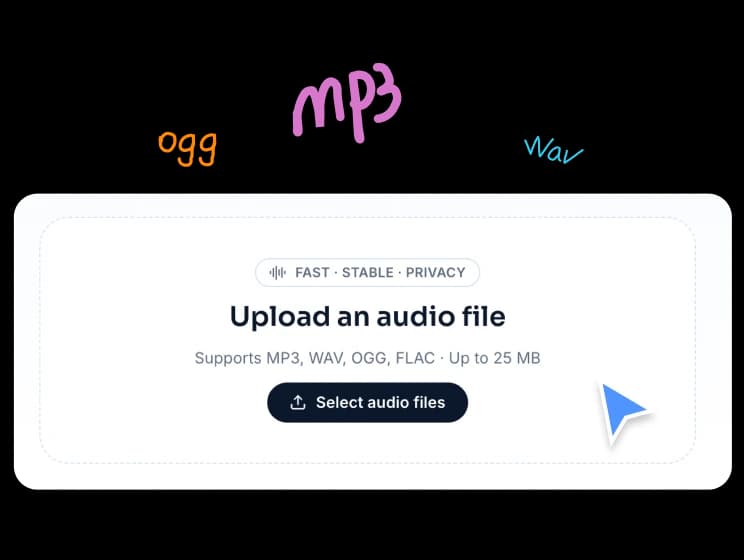
Upload your audio file
Choose one audio file from your device. The tool supports common formats like MP3, WAV, OGG, and FLAC, and processes everything locally in your browser.
Cut and trim audio with an interactive waveform, create multiple slices, and export clean WAV files directly in your browser.
Supports MP3, WAV, OGG, and FLAC · Up to 50MB · Create multiple slices, trim precise sections, and export as WAV
FreeTTS makes audio trimming easy. Upload one file, select the exact parts you need, and export separate cuts or one merged WAV file.
Choose one audio file from your device. The tool supports common formats like MP3, WAV, OGG, and FLAC, and processes everything locally in your browser.
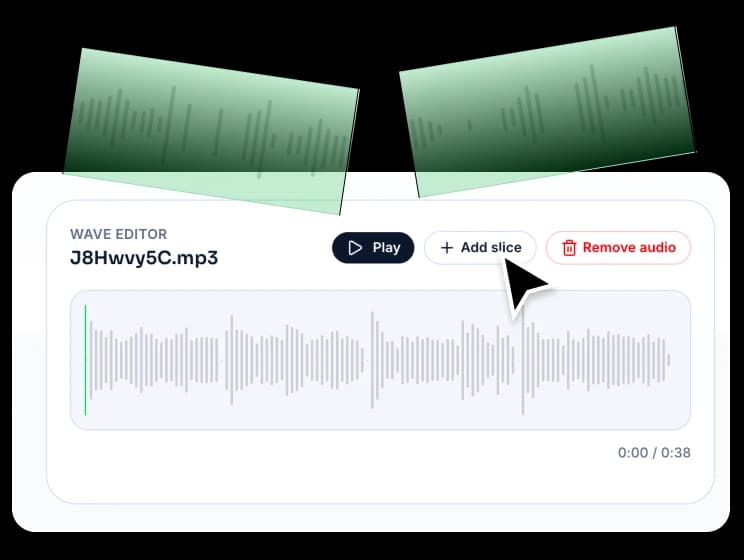
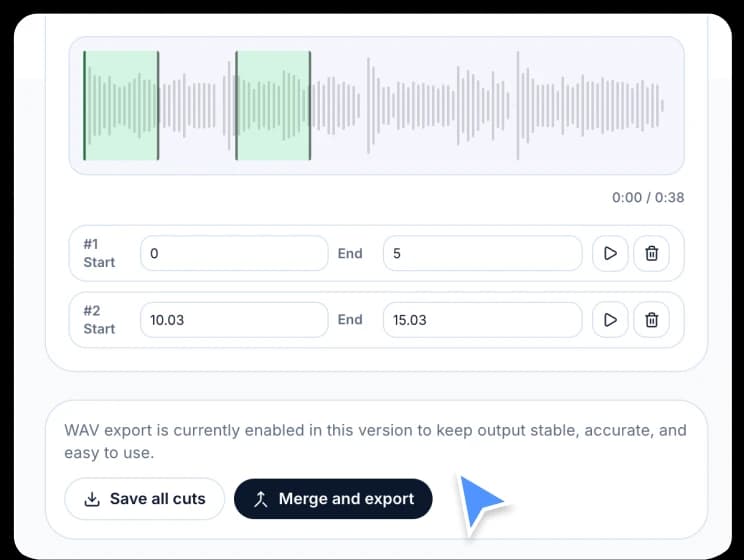
Add one or more slices on the waveform, drag to resize each range, or enter the exact start and end time manually for more precise cutting.
Save all valid slices as separate WAV files in one ZIP package, or merge selected audio parts into a single WAV export.
Designed for fast audio trimming, simple editing, and reliable export, this online audio cutter helps you cut files with more control and less effort.
View your audio as a waveform, add slices visually, and fine-tune each region by dragging or entering exact time values.
Split one audio file into multiple parts without re-uploading. This is useful for extracting clips, highlights, samples, or spoken segments.
Your audio file stays on your device during cutting and export. FreeTTS does not upload it to a backend server for processing.
Download all slices at once or combine them into one WAV file, depending on whether you need separate clips or a single final track.
Learn more about supported formats, privacy, export options, and how FreeTTS Audio Cutter works in your browser.