
Step 01
Upload your audio file
Select an audio file from your device in MP3, WAV, OGG, FLAC, or another supported format. Speech to Text uses server-side AI transcription and requires sign-in before processing.
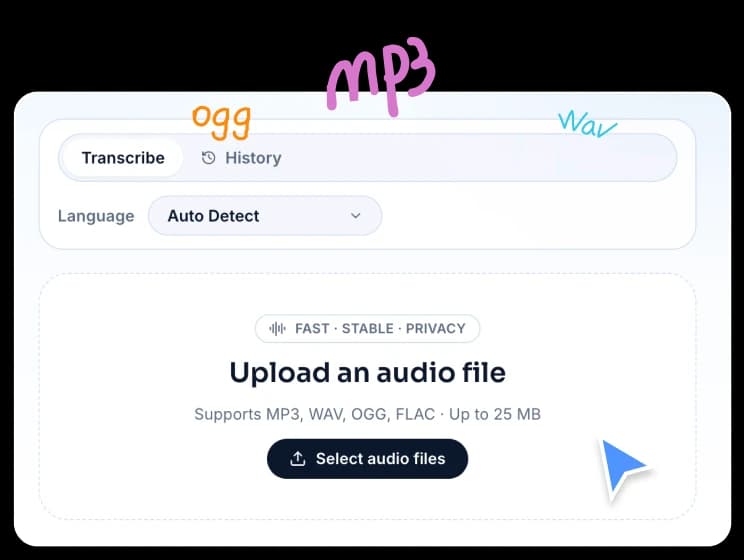
Transcribe audio and voice recordings into text with AI speech recognition. Choose a language or use auto-detect, then copy or download the transcript.
Supports MP3, WAV, OGG, FLAC · Up to 25 MB
FreeTTS makes audio transcription simple. Upload your file, choose a language if needed, and get accurate text output ready to copy or download.
Select an audio file from your device in MP3, WAV, OGG, FLAC, or another supported format. Speech to Text uses server-side AI transcription and requires sign-in before processing.
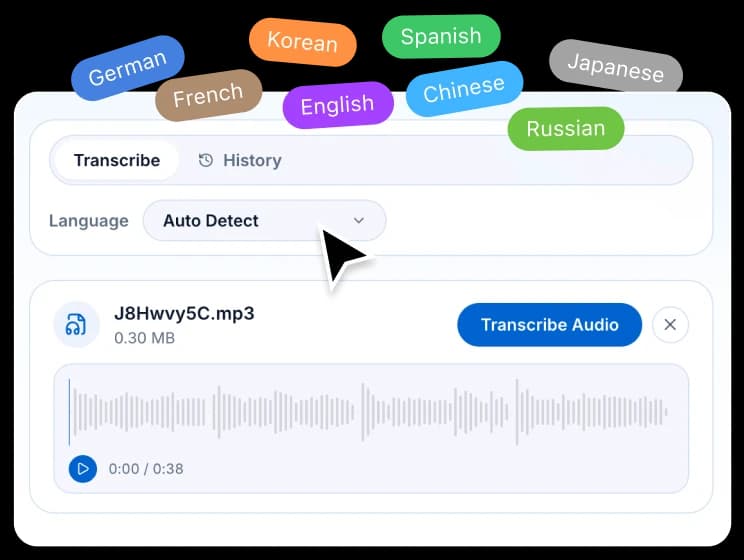
Select the language spoken in the audio for best results, or leave it set to auto-detect. The Whisper AI model supports a wide range of languages and accents.
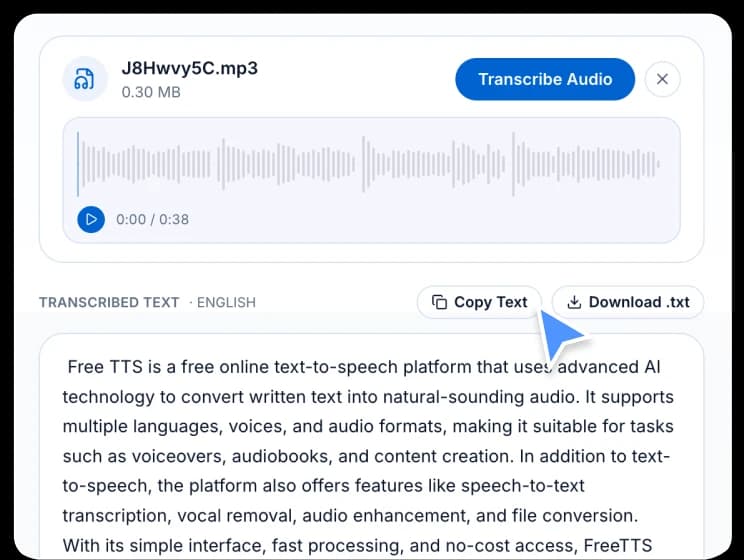
Once transcription is complete, review the result on the page, copy it to your clipboard in one click, or download it as a plain text file for later use.
FreeTTS speech-to-text is powered by Whisper AI and designed for straightforward audio transcription across many languages with minimal setup.
Transcription is backed by Whisper, one of the most capable open-source speech recognition models, delivering reliable results even with background noise or accents.
FreeTTS can transcribe audio in English, Chinese, Japanese, Korean, French, German, Spanish, and many other languages with auto-detection available.
After transcription, copy the text instantly to your clipboard or download it as a .txt file, making it easy to use the result in documents, captions, or notes.
Common questions about accuracy, supported formats, languages, and how the FreeTTS speech-to-text transcription tool works.