
Step 01
Upload your Chinese audio
Select MP3, WAV, OGG, FLAC, or other supported audio formats that contain Chinese speech.
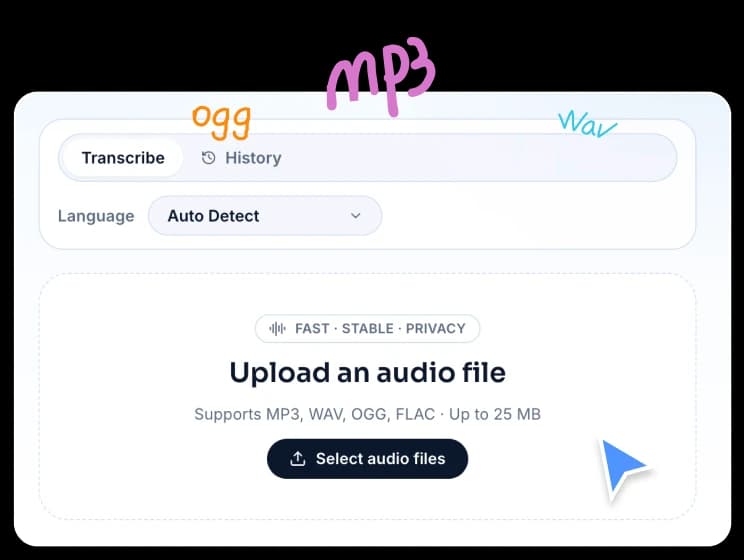
Use FreeTTS speech-to-text to convert Chinese voice and recordings into editable text. Fast, accurate, and easy to export.
Supports MP3, WAV, OGG, FLAC · Up to 25 MB
Upload your file, choose Chinese, and get a clean transcript you can copy or download instantly.
Select MP3, WAV, OGG, FLAC, or other supported audio formats that contain Chinese speech.
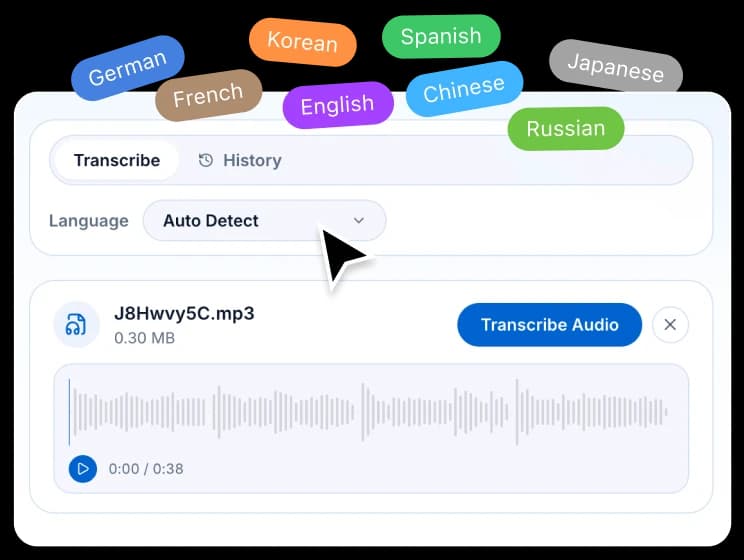
Pick Chinese in the language menu to improve recognition quality, especially for short or noisy audio clips.
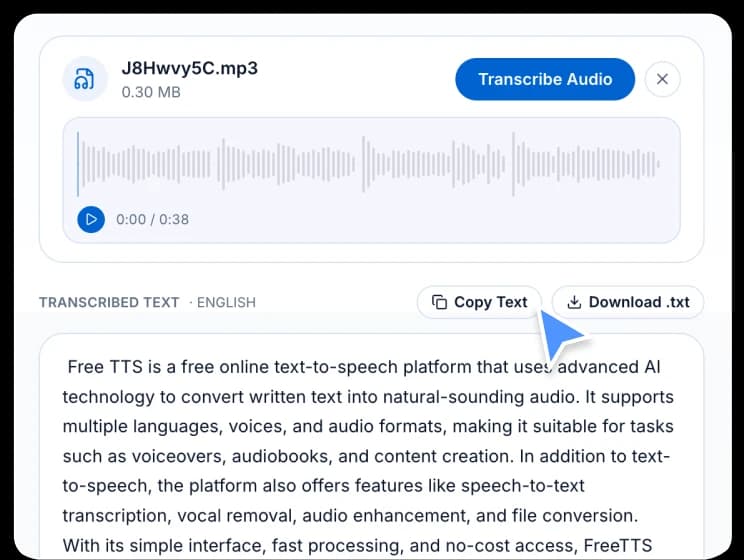
Review the transcription result directly on the page, then copy it or export it as a .txt file.
FreeTTS provides practical, multilingual transcription powered by Whisper AI for everyday audio workflows.
Whisper-powered recognition handles accents and varied recording conditions to produce readable Chinese text output.
Upload audio, transcribe, and get your results in one clean workflow without complicated setup.
Use transcripts for subtitles, content drafts, interview notes, call summaries, and internal documentation.
Answers to common questions about transcribing Chinese audio with FreeTTS.
Open dedicated transcription pages for each supported language.